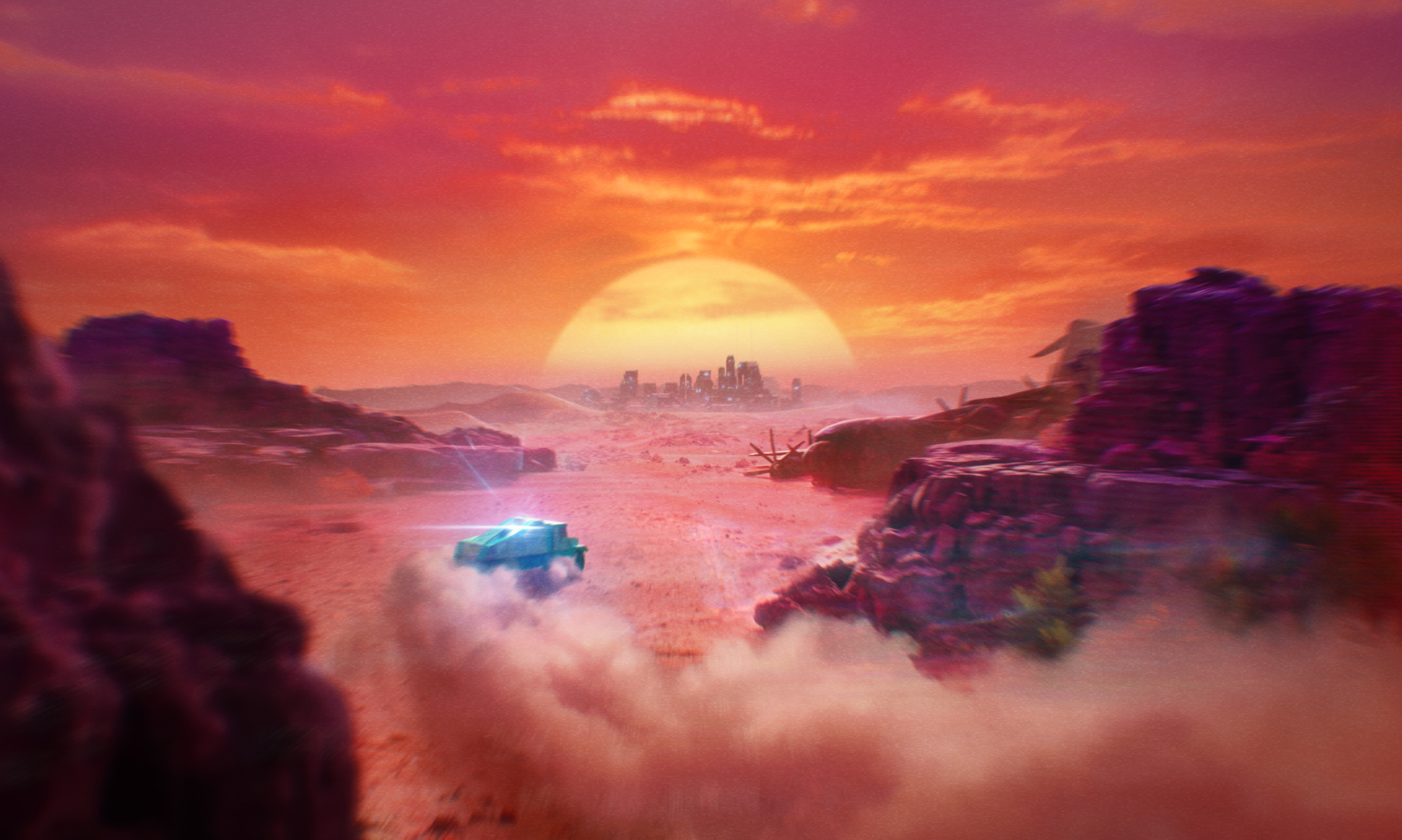
ADRIFT is a driving adventure game developed in Unreal Engine 5 and released on Steam on the 9th of December 2025. This Solo-Dev project was released under ‘S . K . 9 . 8’ and was co-published by ‘Secret Sauce’.
Coming from a System/Tech Design background, the project has challenged me to go well beyond my comfort zone and allowed me to learn and explore all aspects of game dev and train my intuition on how they all tie together!
A Solo-Dev Challenge
The project’s core challenge was its solo-dev nature. Beyond just the development, I also handled production, biz-dev as well as attending Gamescom with a booth in the indie-area.
Expanding Horizons
During its three year development cycle I stepped well outside my comfort zone. Beyond Design, you will also find anything from Environment art, to VFX, to audio on this page!
On This Page
Vehicle Physics
Environment & LD (Coming)
AV FX (Coming)
UI/UX
VEHICLE PHYSICS
Core Setup
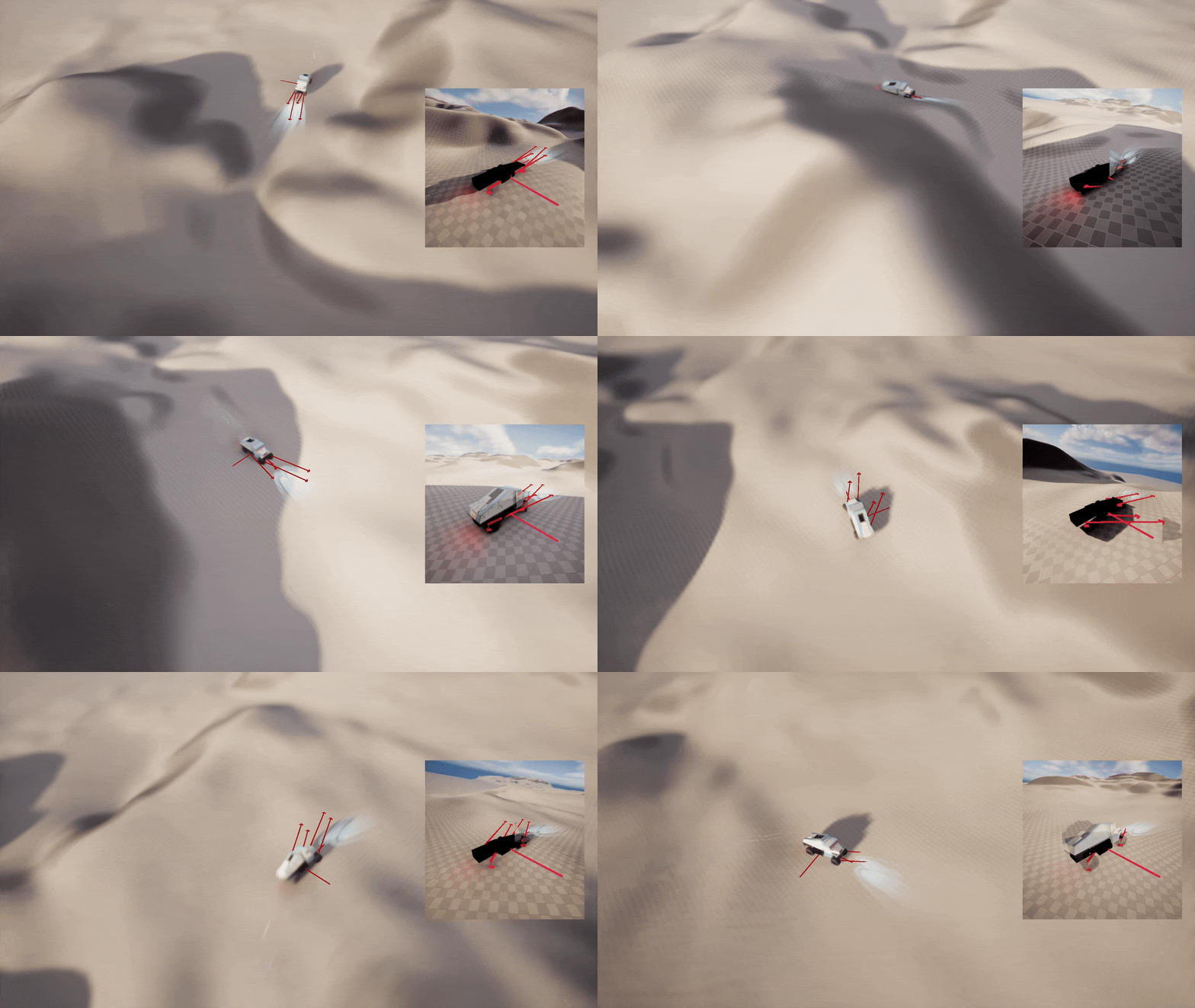
ADRIFT’s vehicle is controlled using a custom build physics setup. This decision was made after prototypes with existing setups (such as UE’s Chaos Vehicle) were easy in their initial setup but difficult and unpredictable in iteration to achieve the desired game feel.
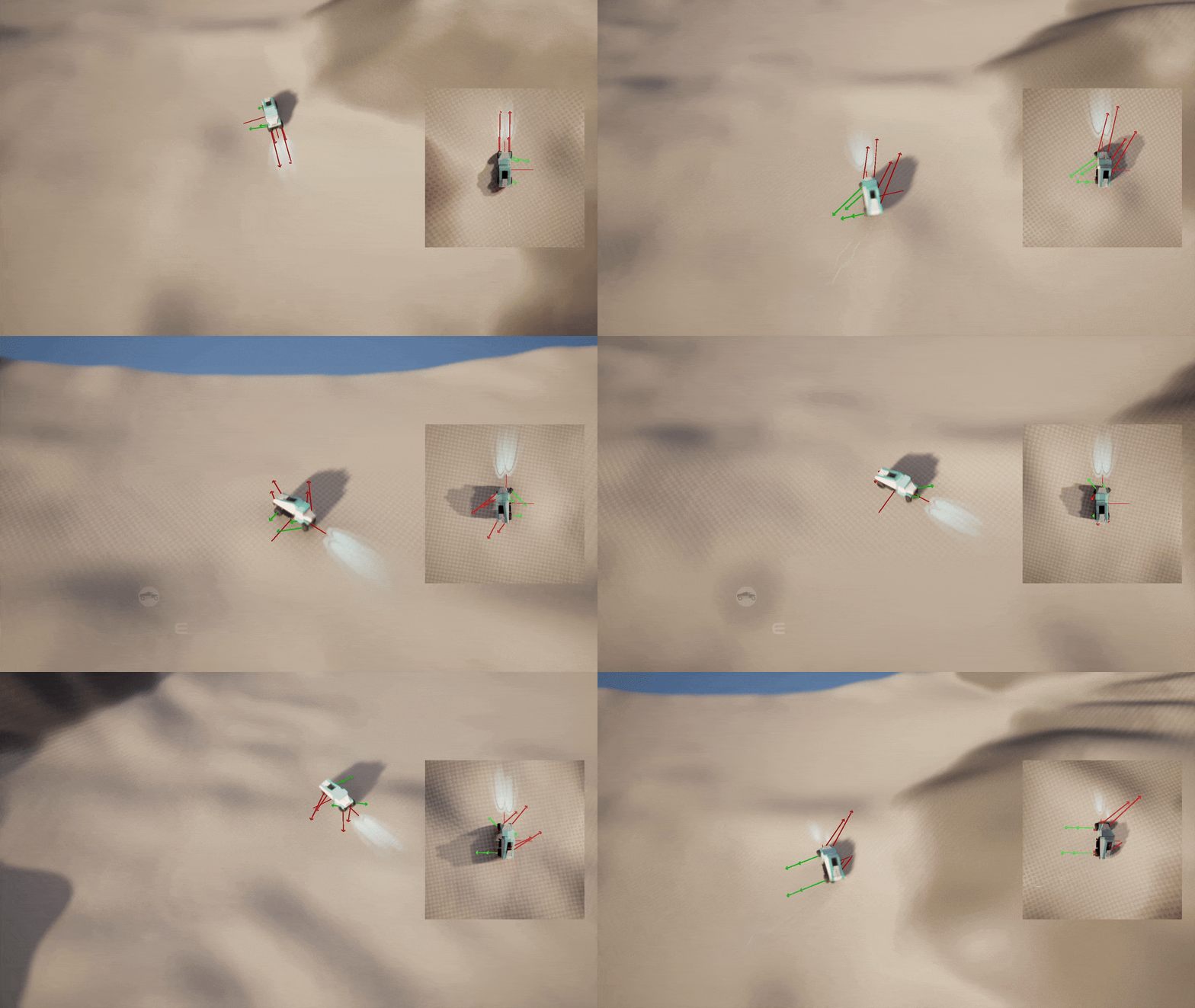
At its core, the truck is a single physics shape being manipulated by a few simple Blueprint functions. The output of these functions is later also used to drive procedural animations to sell the illusion of driving.
Many other systems also only exist in the player’s fantasy. For example, the engine will sound as if it’s struggling and changing to a lower gear when going uphill. This only exists as a form of AV feedback while the actual physics simulation is kept simple and fakes such mechanical behaviours.
Suspension Sim
For each wheel, all the forces are calculated though a function on the physics thread. It starts by getting data such as the physics object’s velocity at wheel location and testing a line trace to check if the wheel is in contact with the ground and how far extended it is.
The vehicle’s suspension is the first step in the simulation. For this, it uses the normalized spring length on a slight power curve and multiplies it by the base “Suspension Force” variable. Before being applied, it’s first combined with a small opposing force based on the last frame to also simulate the damping done by shock absorbers for a more stable and predictably controlling vehicle.
Player Input
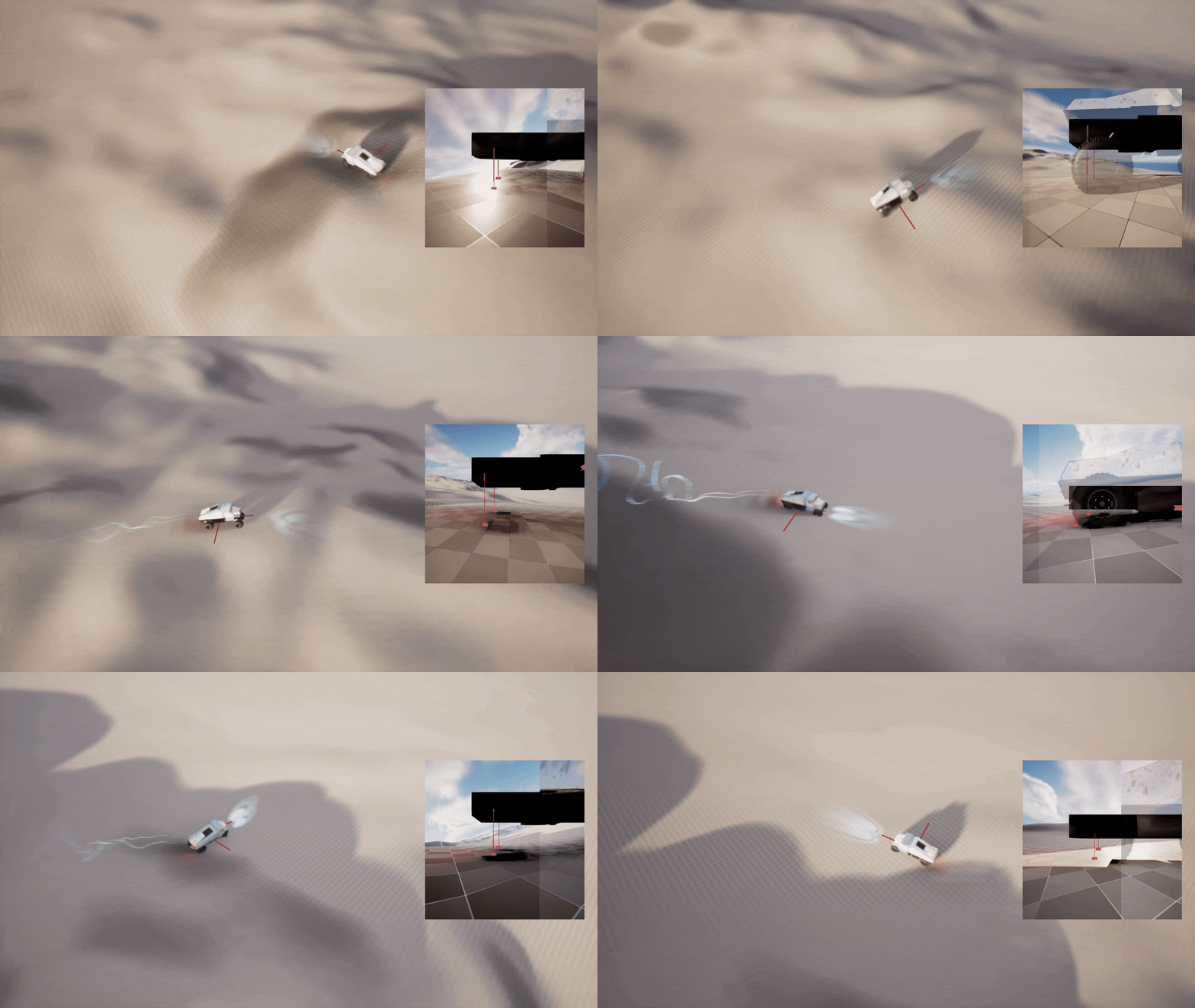
As we’re driving an all-wheel drive vehicle, each wheel will also add an additional force based on the player’s throttle and steering input. The base acceleration force is being multiplied by a value from a float curve based on the current velocity. This allows us to achieve a natural feeling track that’s controllably at low speeds and will naturally top out at a max speed without needing to simulate real world physics and also keep it intuitive for the player as a vibey top-down driving game.
And finally, to actually make it feel like a wheeled vehicle, we’re simulating lateral friction for each wheel. We’re once again using a float curve to direction of the velocity relative to the direction of the wheel. It will then redirect the forces to simulate a drift after also considering player input to adjust the simulation to the player’s intention. The same calculations also handle the steering as the turning of the wheels will automatically mean forces also get redirected.
VEHICLE FEEL
Player Camera
Anim
AV vfx
ENVIRONMENT
Errant Tools Pipeline
Style Mixer
AV-FX
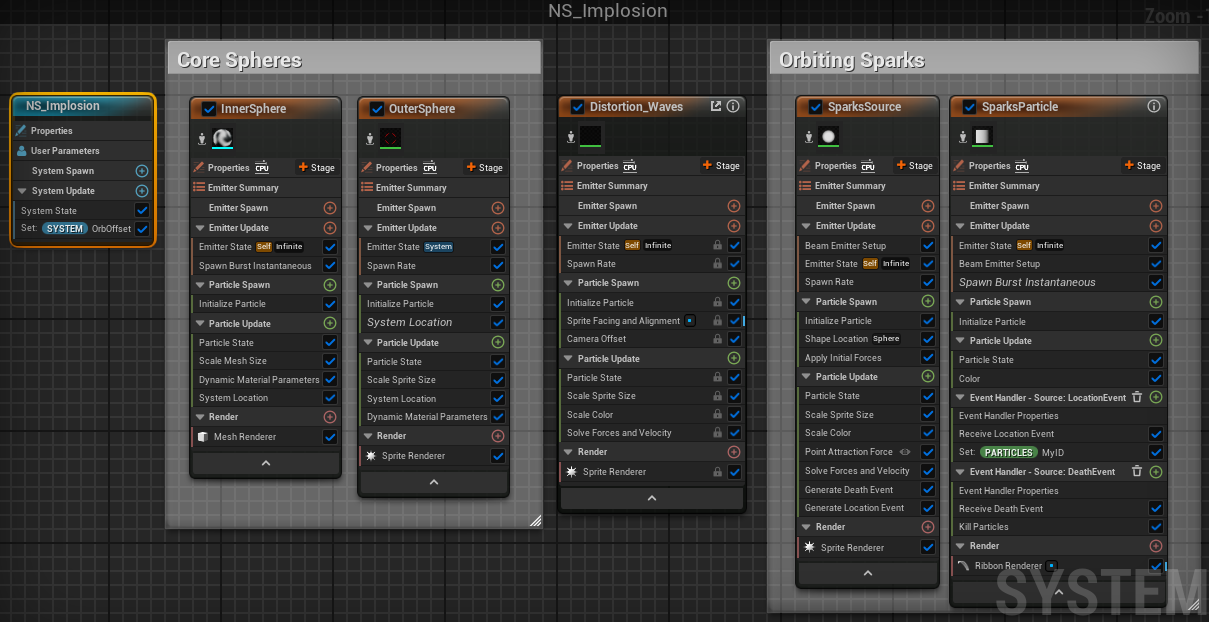
Niagara Explosion
Audio Explosion
UI/UX
Directional Context Menu
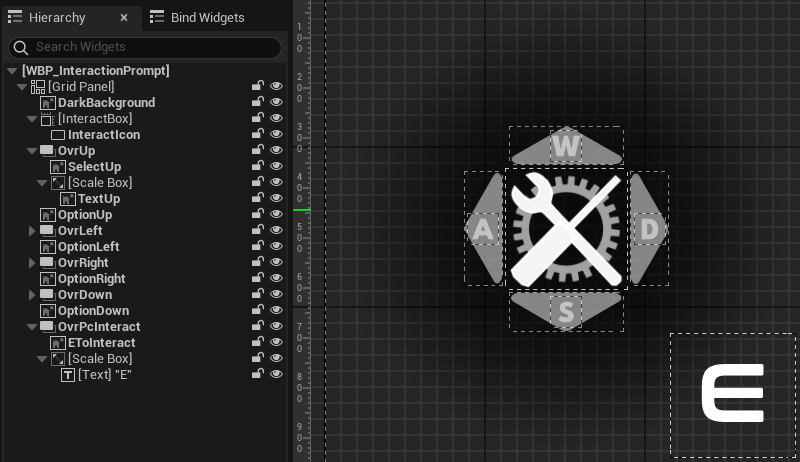
To keep the experience as smooth as possible, ADRIFT uses directional menus to avoid pulling the player out of the moment. For controller players, this means they use the Dpad for interactions and stay in the game ‘space’. For Mkb players they will press ‘E’ to interact first and then use WASD to select an option. While this adds one more ‘press’, testing proved it more intuitive compared to other options such as using the numbers 1-4 for input. Players can leave their hand in the ‘default’ position and don’t need to recontextualize when switching between navigating menus and the world.
The directional menu is a core widget that is reused in many other widgets. It’s equipped with functions to update the options based on the instance’s context. Additionally it will also update accordingly if the player switches between Mkb and gamepad, switch icons based on context as well as display if possible interactions are unavailable (e.g. when trying to pick up cargo while already carrying other cargo).
The interactions are handled through a BPI and will update variables in a MPC.In the option’s dynamic materials these variables are used to animated to options based on the player’s input and context.
Animated Buttons
ADRIFT’s UI elements are stylized using UI materials. Using a set of parameters they are animated to react to events such as hovering.
Options Menu
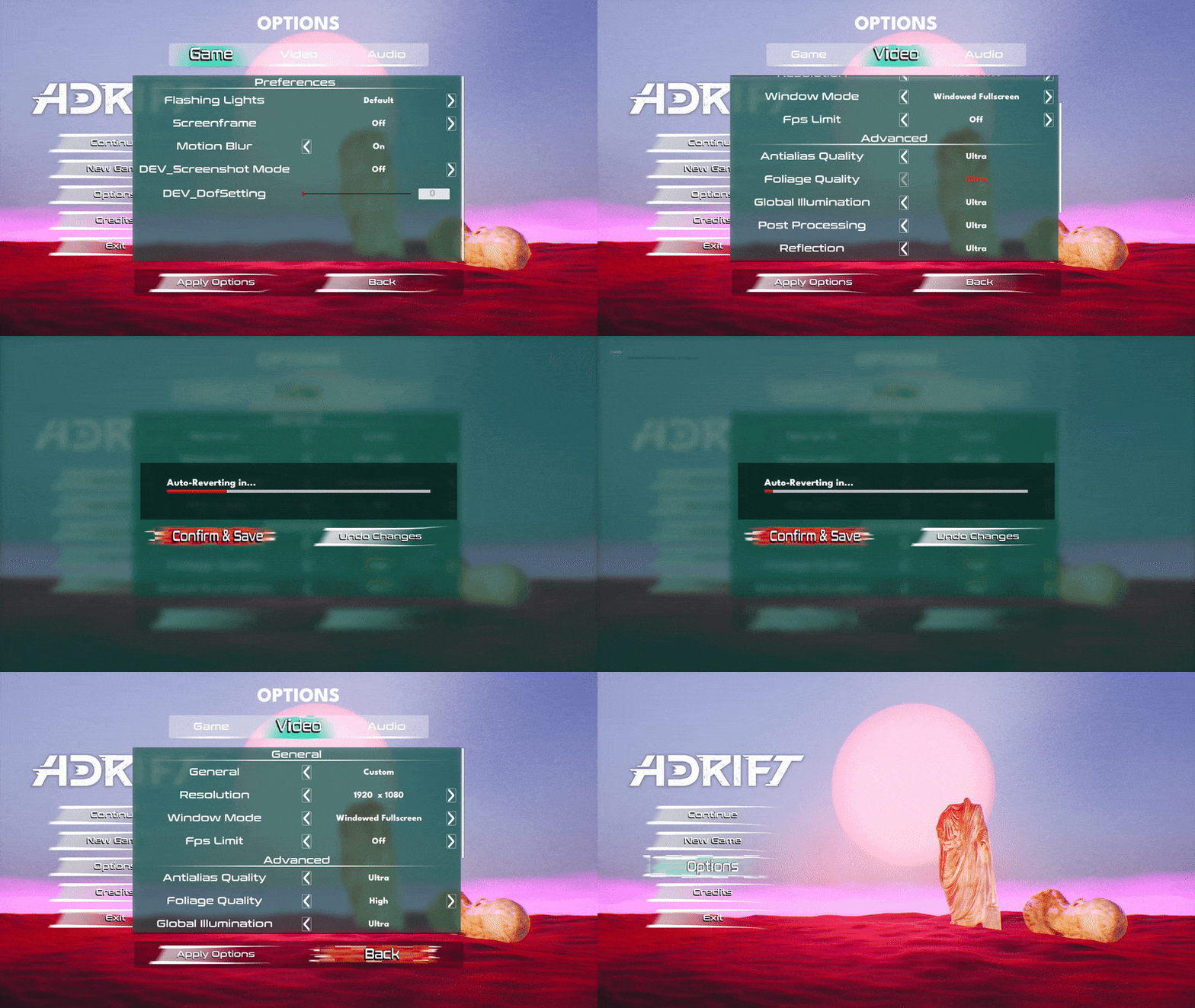
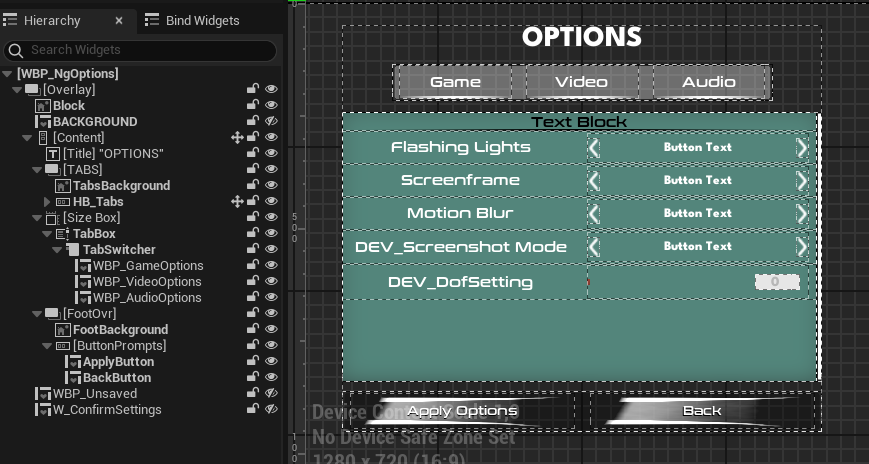
In a minimalistic game without a lot of UI, the options menu ends up being the most complex to set up. With a hierarchy of nested widgets, changing, applying, (auto-)undoing and saving changes you end up with quite a lot of data being passed around. While it’s nothing revolutionary, ADRIFT’s UX makes sure players close the menu with the desired settings applied and saved and can benefit from auto-reverting changes if newly applied options cause any issues.